
Box Server
Listen for ConnectedLittleBoxes and respond to commands. Also display a nice HTML page to see the state of the system.
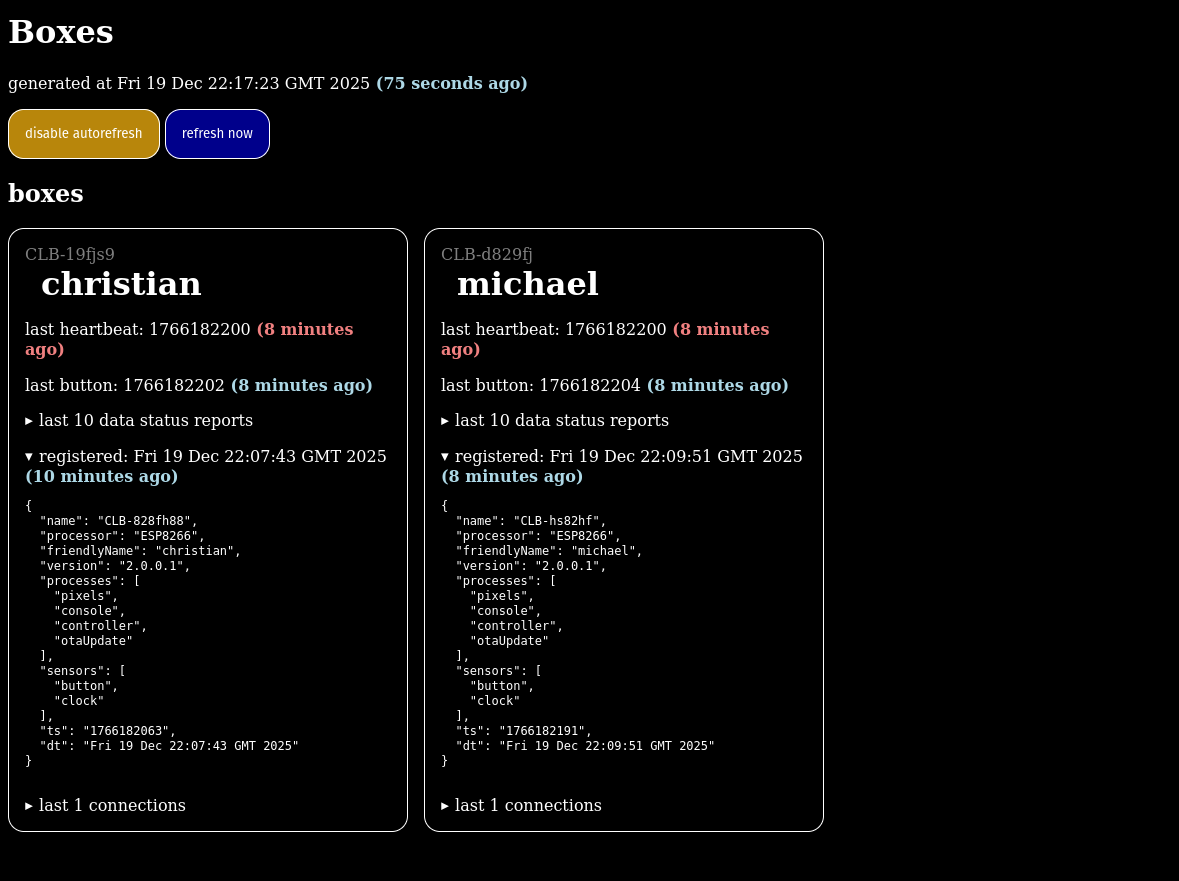
You need an MQTT server set up to use this.
Box setup
Boxes should be programmed with CLB box code.
First, give each box a unique friendlyName:
friendlyname=michael
Then, set the following configuration options, where <wifissid> etc. are replaced by real values
wifissid1=<wifissid>
wifipwd1=<wifipwd>
mqtthost=<mqtthost>
mqttuser=<mqttuser>
mqttpwd=<mqttpass>
pushbuttonfitted=yes
buttoninputpin=4
buttoninputgroundpin=5
pixelbrightness=0.2
{"process":"pixels","command":"pattern","pattern":"mask","colourmask":"GGGRRRRRRRRR","store":"start","id":"1of12"}
{"process":"pixels","command":"pattern","pattern":"mask","colourmask":"GGGGGGRRRRRR","store":"wifi","id":"2of12"}
{"process":"pixels","command":"pattern","pattern":"mask","colourmask":"GGGGGGGGGRRR","store":"clock","id":"3of12"}
{"process":"pixels","command":"pattern","pattern":"mask","colourmask":"GGGGGGGGGGGG","store":"mqtt","id":"4of12"}
{"process":"pixels","command":"pattern","pattern":"mask","colourmask":"GRRRRRRRRRRR","store":"wifioff","id":"1of12_2"}
timer1=1
timer1enabled=yes
timer1singleshot=no
{"process":"console","command":"remote","commandtext":"hrtbt","sensor":"clock","trigger":"timer1","to":"SERVER","store":"mqtt","id":"heartbeat"}
{"process":"pixels","command":"setnamedcolour","colourname":"purple","sensor":"button","trigger":"released","store":"mqtt","id":"buttoncol"}
{"process":"console","command":"remote","commandtext":"btn","sensor":"button","trigger":"released","to":"SERVER","store":"mqtt","id":"buttonrmt"}
Server Setup
# clone
mkdir -p /usr/alifeee/
git clone git@github.com:alifeee/box-server.git /usr/alifeee/box-server
cd /usr/alifeee/box-server

# set up frontend
# assumes you have fastcgi set up to run scripts in /var/www/cgi/do/
sudo ln -s /usr/alifeee/box-server/cgi.sh /var/www/cgi/do/boxes

# set up listener
sudo apt install jq mosquitto-clients
mkdir -p registrations connections heartbeats buttons data

# set up ownership
sudo useradd -r -s /bin/false connectedlittleboxes
sudo chgrp -R connectedlittleboxes .
sudo chmod -R g+w .

# run (debug)
./run.sh

# run as a service
sudo cp box-server.service /etc/systemd/system
sudo systemctl enable box-server.service
sudo systemctl start box-server.service
sudo systemctl status box-server.service